
 Pricing
Some edits need a voice: a travel film with a narrator, a product video that explains itself, a story told over b-roll. Until now you had to record it yourself. Today, Shorty can narrate your edit. Ask for a voiceover in your brief, and the director casts a voice that fits, writes the lines, speaks them and cuts the picture to every word.
Ask for a Voiceover
Write it in your brief, in your own words: “add a calm voiceover,” “narrate it like a nature documentary,” “a deadpan narrator explains the product.” The director reads the brief in whatever language it’s written in and takes it from there.
It only narrates when you ask for a voice. It won’t add one on its own, and it won’t talk over someone speaking in your footage unless your brief asks for narration in their place.
A Voice Cast for Your Edit
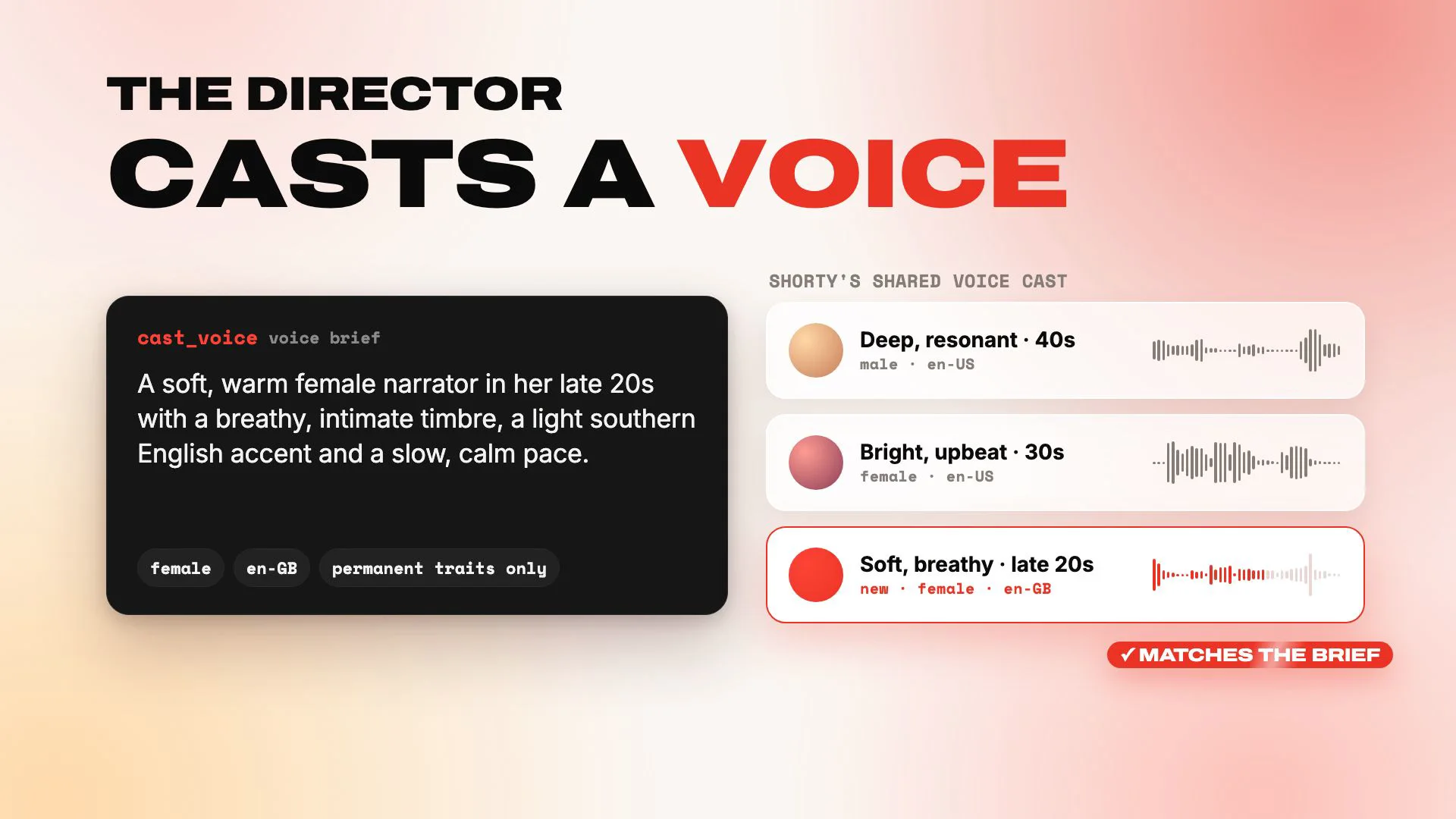
Before a single line is spoken, the director writes a voice brief: lasting traits like age, timbre, accent, energy and pace. Something like “a dry, deadpan narrator in his 30s with a slight London accent and an unhurried pace.”
It looks through Shorty’s shared voice cast first. When a voice there fits, it’s reused instantly. When none does, the director designs a new one from the brief in about half a minute, and a listening model checks the audition against the brief before it’s used. Every new voice joins the cast for the edits that come after.
The voice brief describes how the voice sounds and nothing else: never your brand, your product or your footage. Once the first line is spoken, the voice is locked for the edit, so the narrator never changes halfway through.
Cut to Every Word
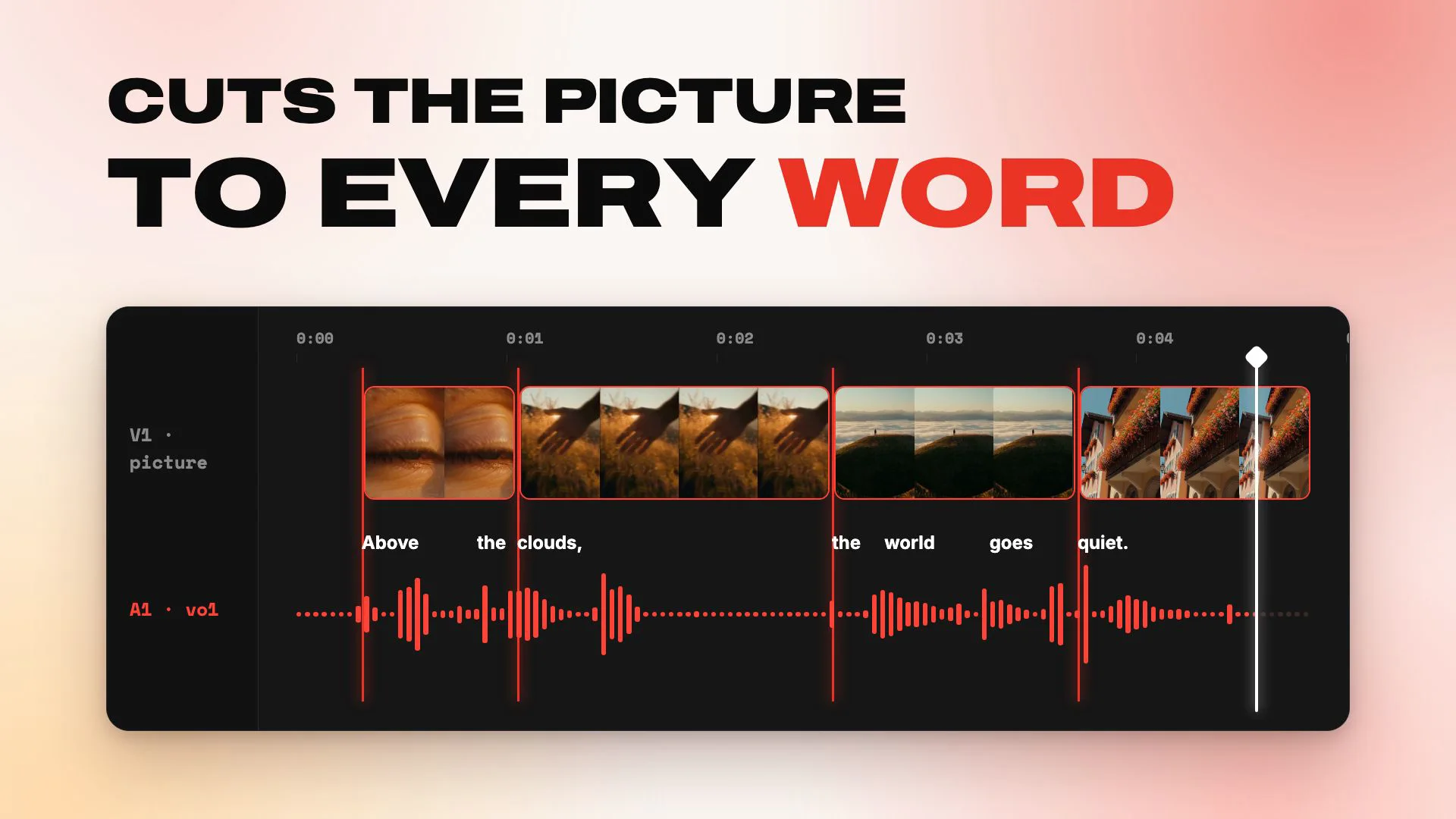
The director writes the script one line per beat and gives each line its own delivery: warm, hushed, quick, conspiratorial. Pauses, laughs and sighs go right into the line, and a word in capitals gets the stress.
Every line comes back with its exact length and the timing of each word, so the director cuts the picture to the voice instead of squeezing a voice onto the picture. The narration leads the edit.
Narration is captioned exactly like recorded speech. If your edit has captions, every narrated word gets them, in the same styles.
In the Language of Your Brief
The narrator speaks the language your brief is written in, unless you ask for another, with the accent you describe. In the film, the Alps edit is narrated in English with a light southern English accent, and the Tokyo edit in Japanese.
An edit can hold up to 20 narration lines, plenty for a short that tells a whole story.
Try It
“A 16-second vertical travel short from these two clips: the Alps first, then Tokyo at night. Add a voiceover: a warm, unhurried narrator who tells one small story, from the quiet above the clouds to a city that never sleeps. Cut the picture to the narration. Keep the clips’ music low under the voice. Captions on.”
“Cut a 20-second product video from these clips. A dry, deadpan narrator in his 30s explains what it does, one beat per shot. Captions on.”
“Narrate this like a nature documentary: a hushed, curious British narrator, slow pace, long pauses between lines.”
Also New: Favorites
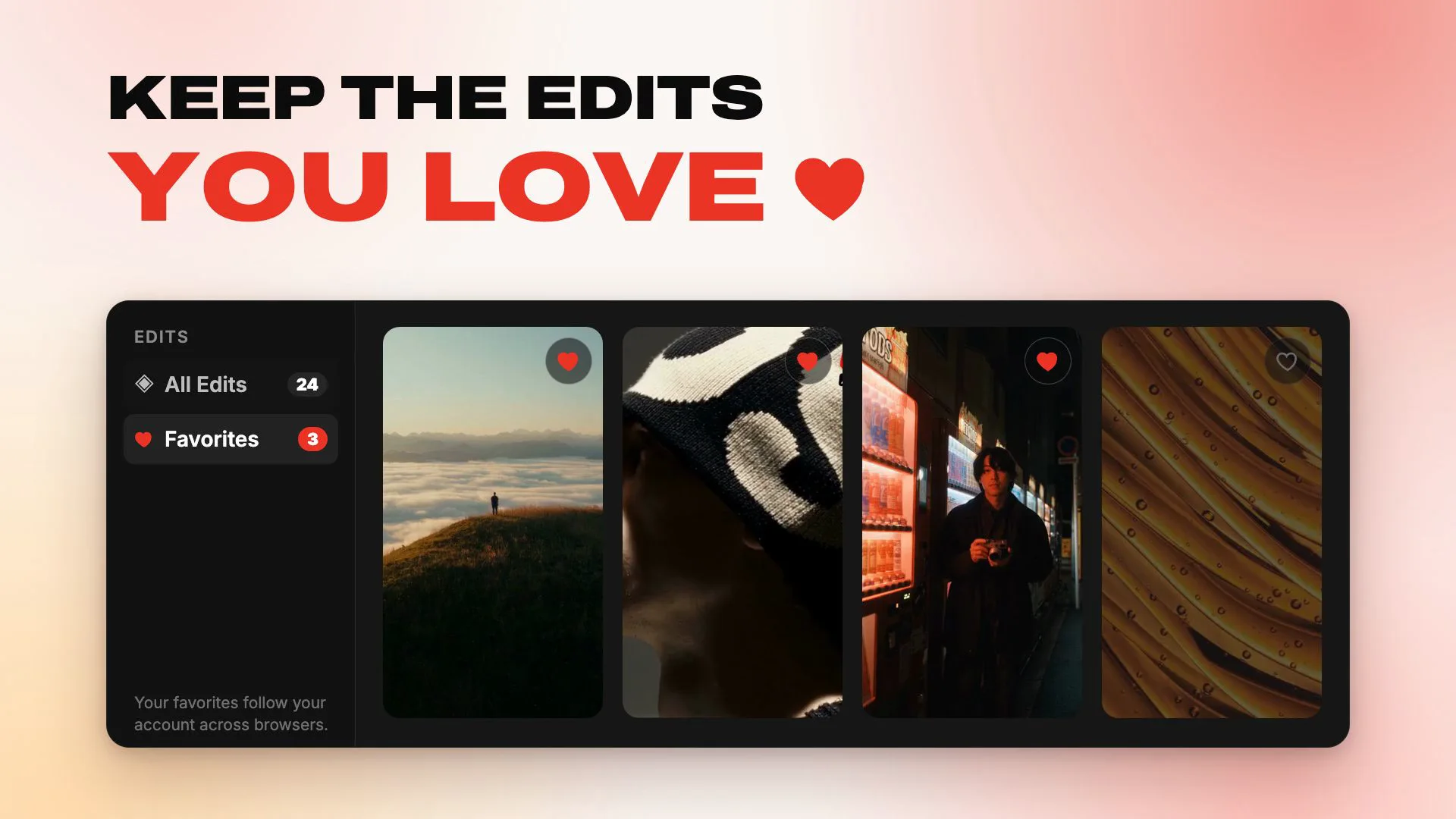
Tap the heart on any edit to keep it in Favorites, right under All Edits on the Edits page. Favorites are saved to your account, so they follow you to every browser you sign in on.
Good to know
How do I add a voiceover?
Ask for it in your brief: “add a voiceover,” “narrate this,” “a narrator tells the story.” Describe the voice too if you have one in mind, like “a warm, older British narrator,” and the director casts to match.
Will it talk over people speaking in my clips?
No, not unless you ask. If your brief asks for narration over someone talking, Shorty mutes their voice so the two never overlap.
Can I add narration in a revision?
Not yet. For now, narration is written when an edit is first made, so ask for it in your brief.
Which languages can it speak?
The language of your brief, or another one you ask for. The film shows English and Japanese.
Where do the voices come from?
From Shorty’s shared voice cast, made with Google’s Gemini voice design and text-to-speech. Every voice is designed from a description of how it sounds. None is cloned from a real person’s voice.
Write the story into your brief. Shorty will find the voice to tell it.
The Shorty Team
Give your next edit a voice.
Add your clips and ask for a voiceover in your brief. Shorty casts the voice, writes the lines and cuts to them.
Start creating